Latest Version: 5.0.6 & 2.2.2
Release Date: September 30, 2026
🔥 What's New:
🌟 More Products Can Be Queried
Adapted to Amazon's latest loading method. Product Research, Index Checker, and Relevance Check are no longer limited to the first page.
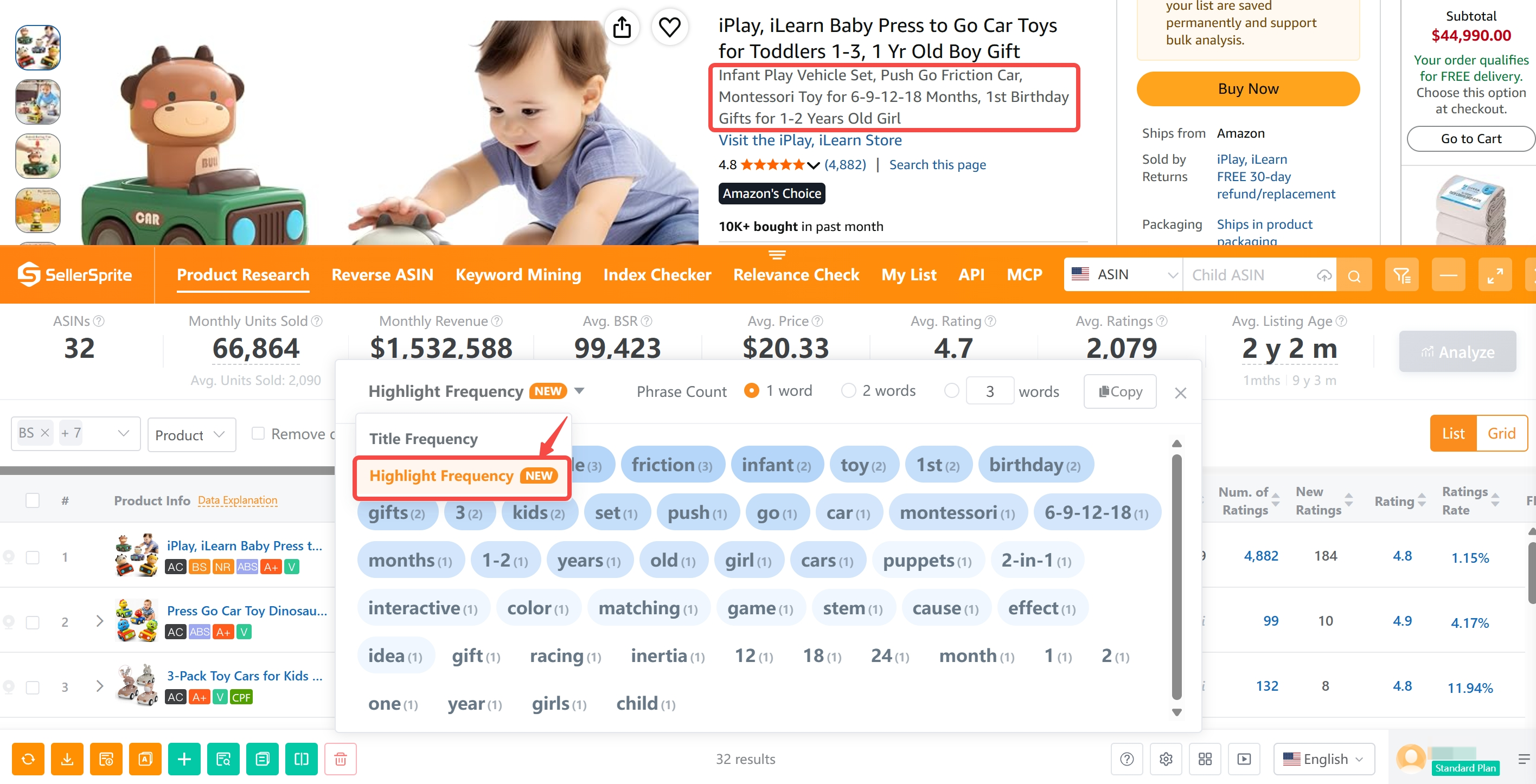
🌟 Highlights Keyword Frequency Added
Product Research, search results pages, and your product list now support product highlights display, with word frequency analysis and export.
🌟 Listing Quality Score Updated
Amazon's latest title limit of 75 characters and highlight limit of 125 characters are now included in the Listing Quality Score, making Listing quality evaluation clearer.
🌟 Search Continues Without Interruption
Index Checker and Relevance Check now support continued execution across pages, while keeping the previous results available when you return.
Recent Updates You May Have Missed:
🌟 Download Alexa Data
Alexa Q&A and product recommendation results now can be downloaded and translated, making it easier to save buyer insights and product research references.
📢 Update now to experience the latest features!
🔍 Key Features at a Glance
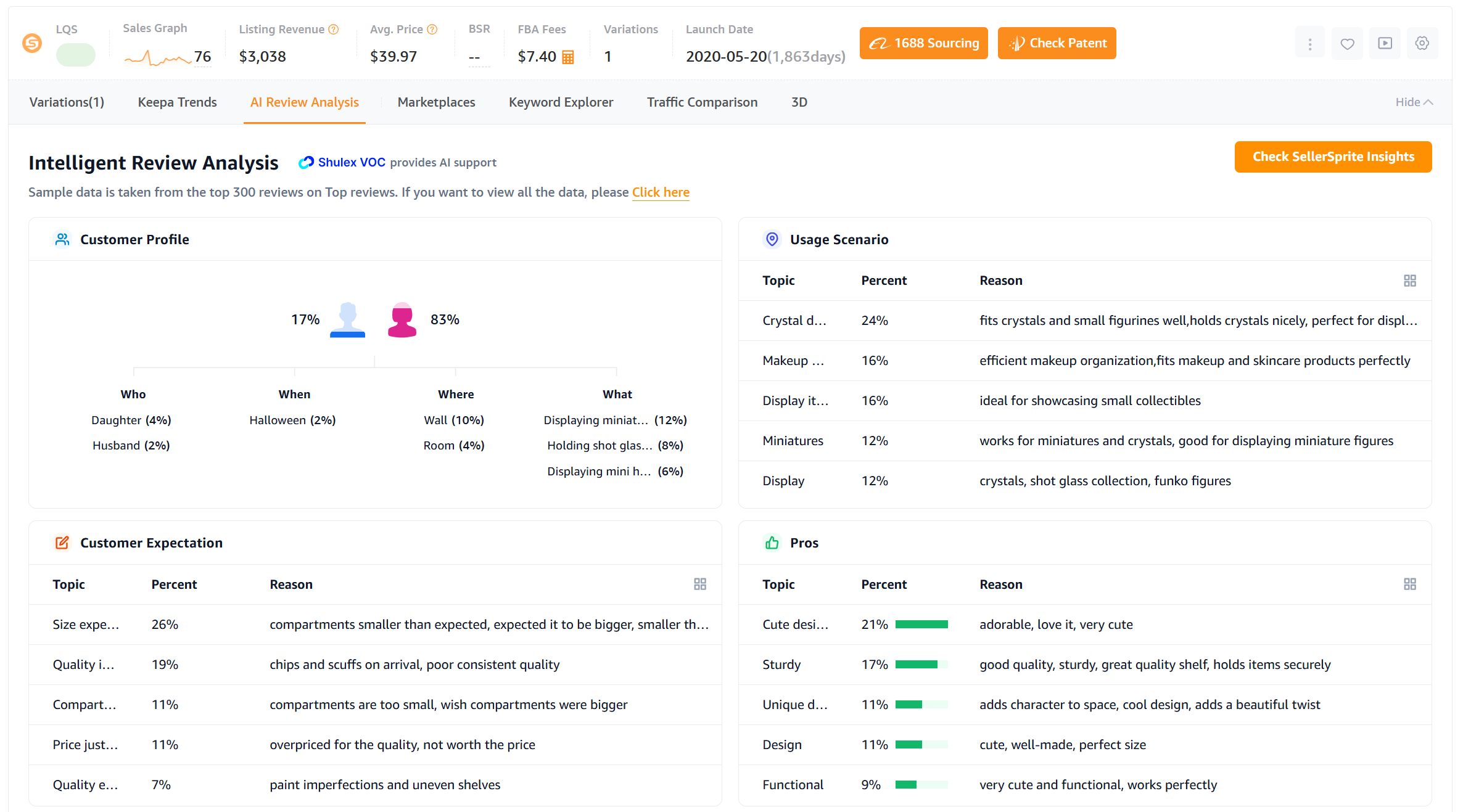
1. Review Analysis
Auto-generate in-depth review reports from any Listing page.
Supported by ChatGPT, it summarizes customer insights across 6 key dimensions.
2. Quick View
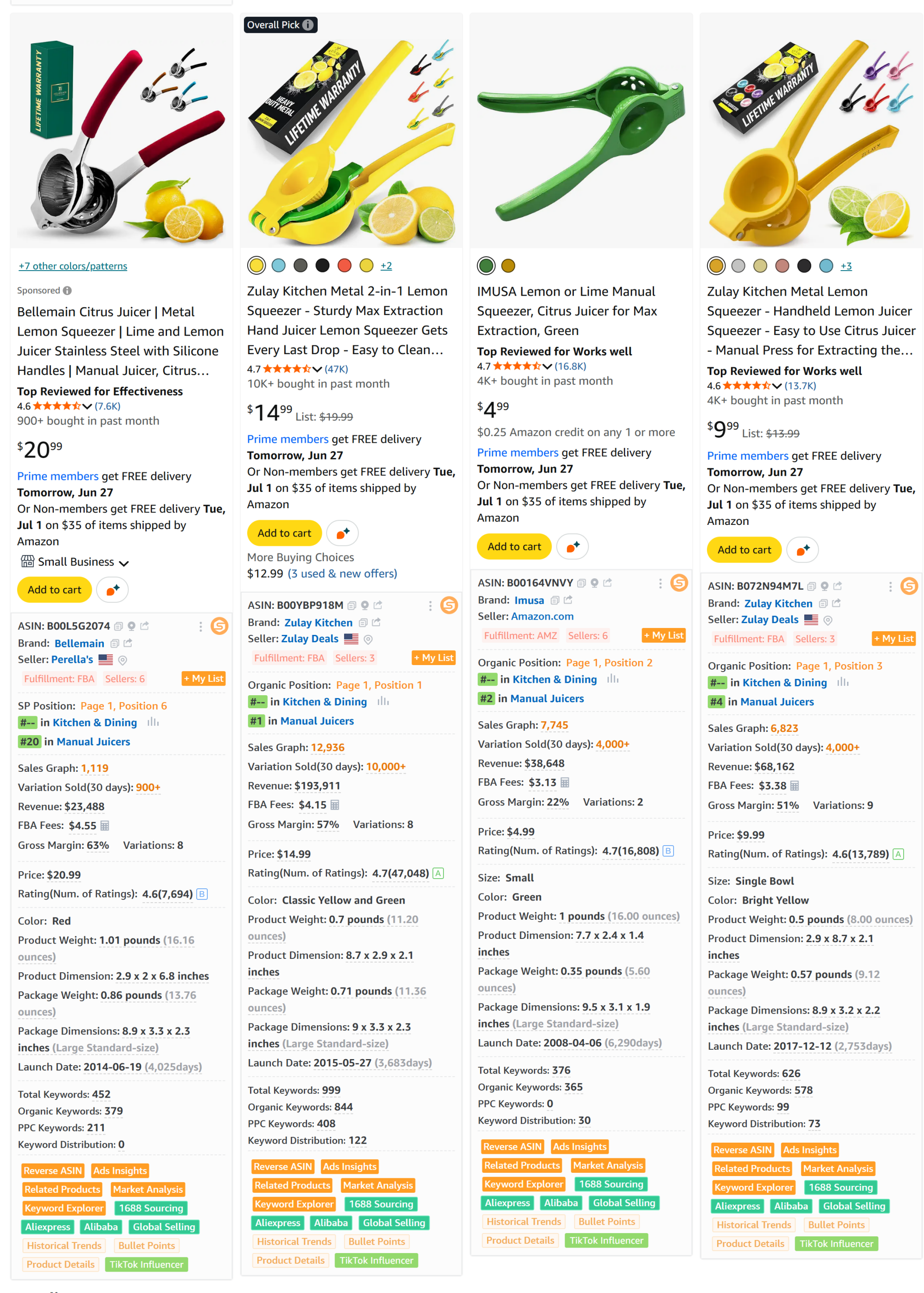
See detailed product data for all ASINs directly on the search results page — no clicks needed.
3. Product Research
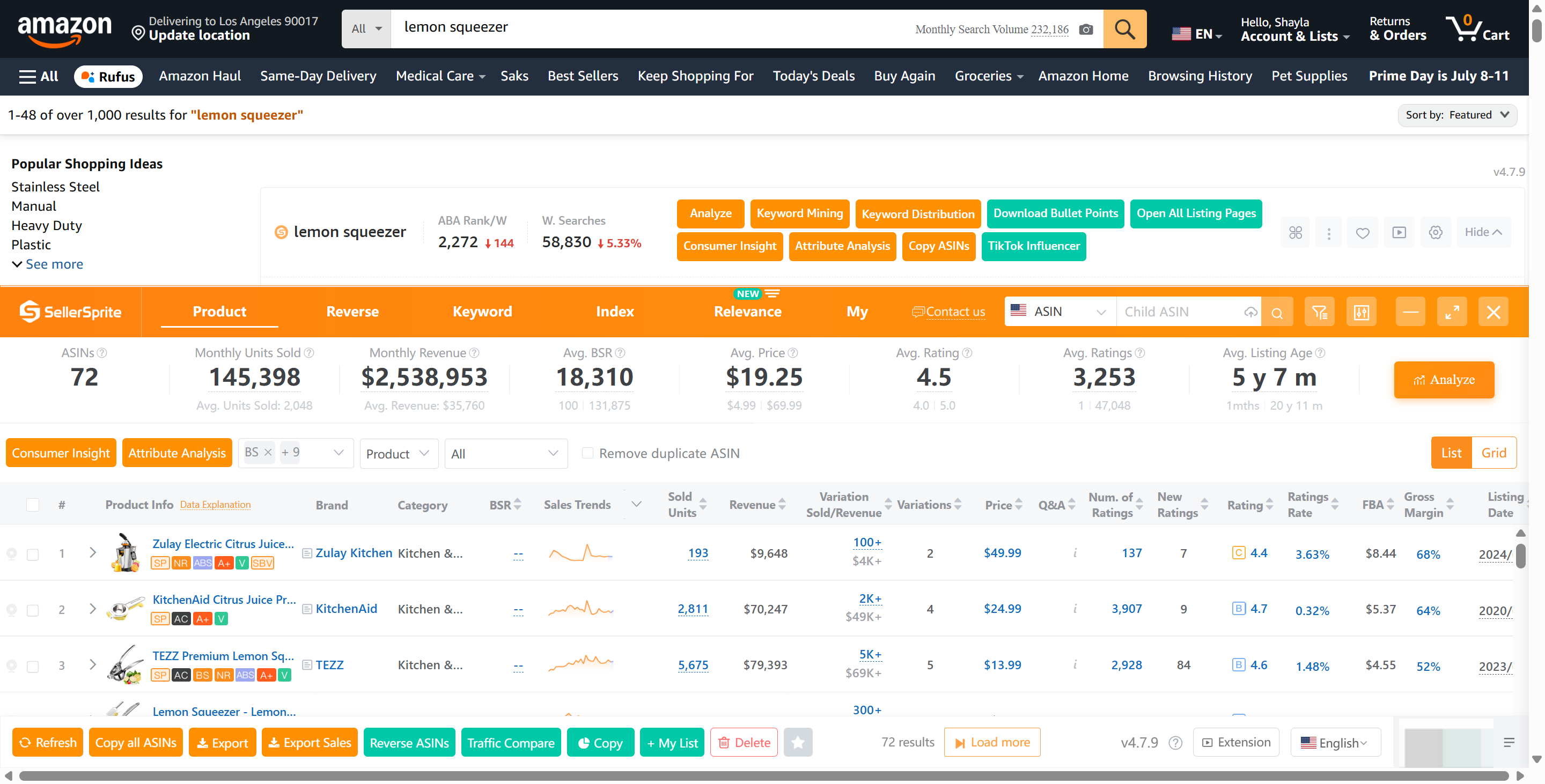
Instantly extract sales, prices, BSR and other data for all ASINs on any Amazon page.
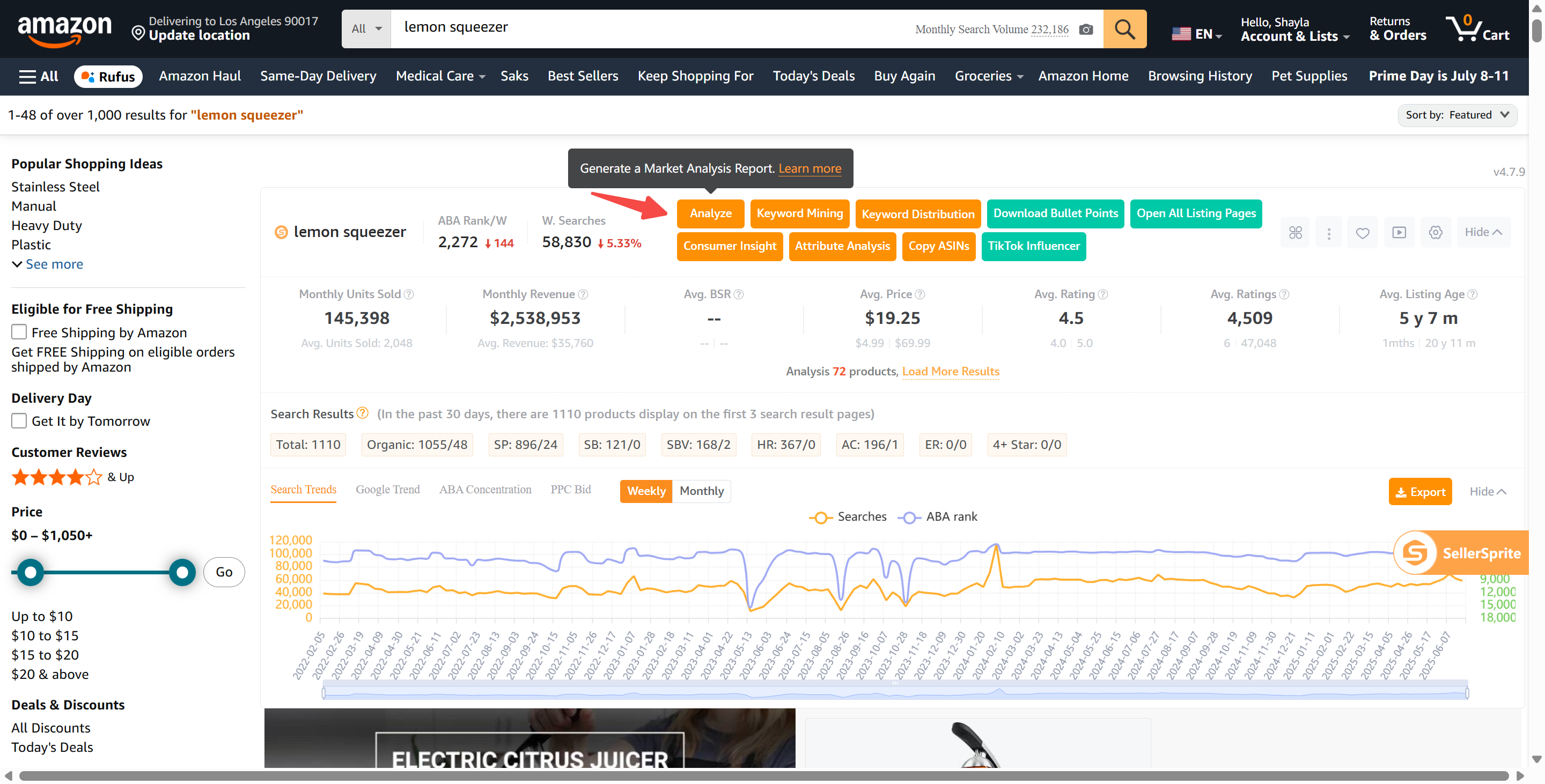
4. Market Research
Generate detailed market reports with 16+ metrics in just one click.
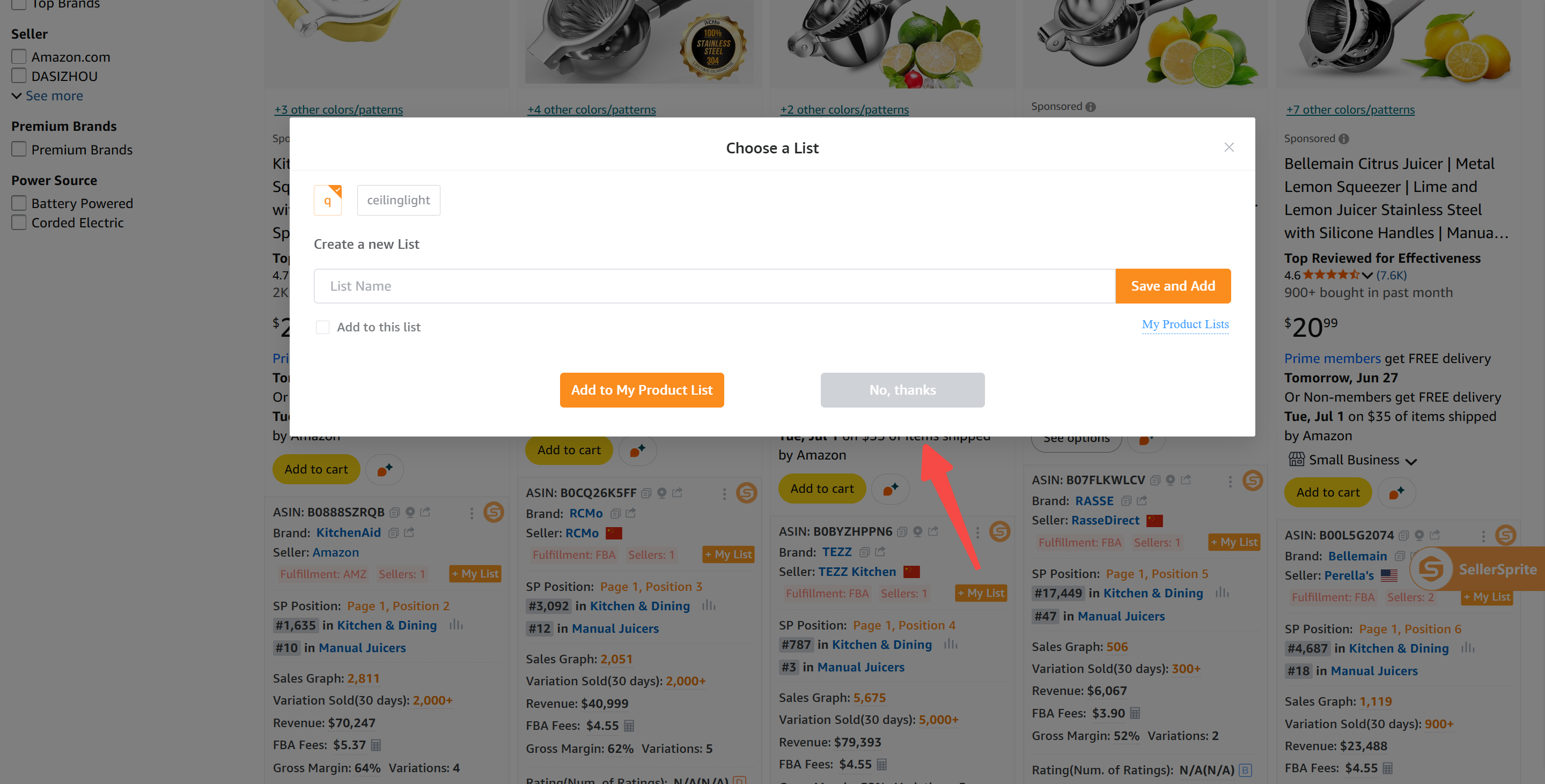
5. My Product List
Add ASINs to your research collection while browsing, and batch-run keyword or market analysis later.
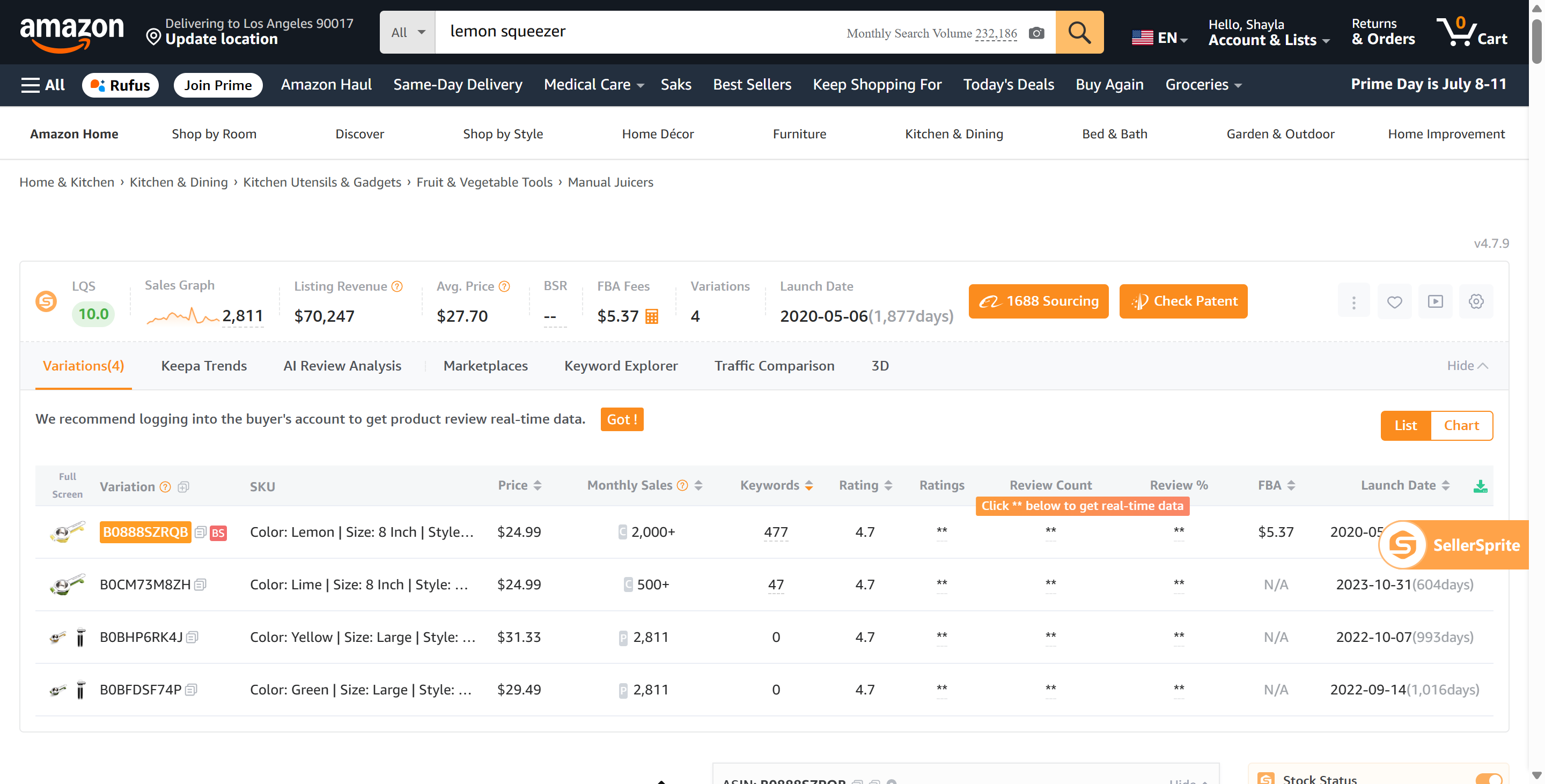
6. Variation Analysis
See all variation-level data directly on Listing pages — quickly identify top-selling SKUs.
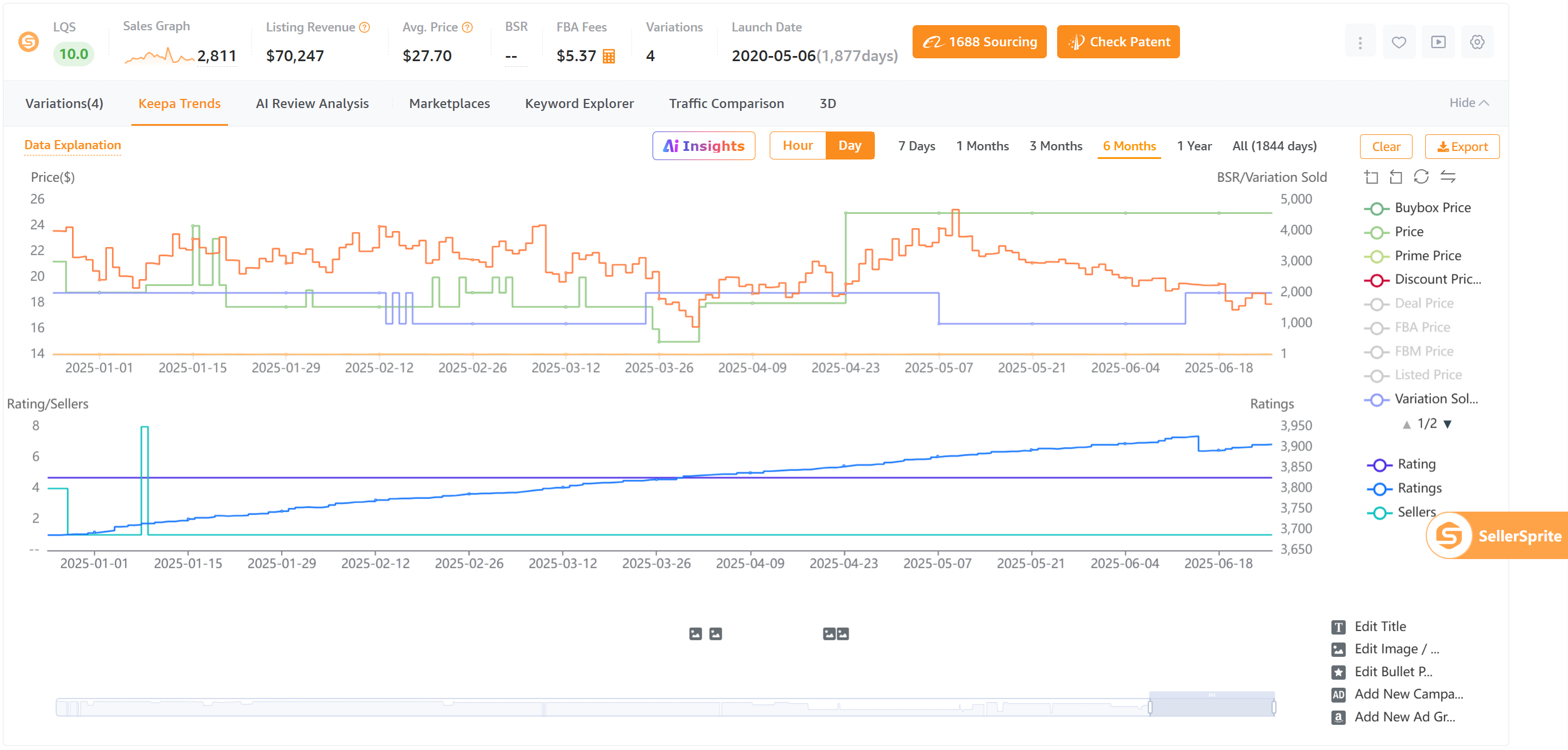
7. Keepa Alternative
Free and full-featured! Provides detailed historical product data from the past 3 years — with a more intuitive interface and export support for easier analysis.
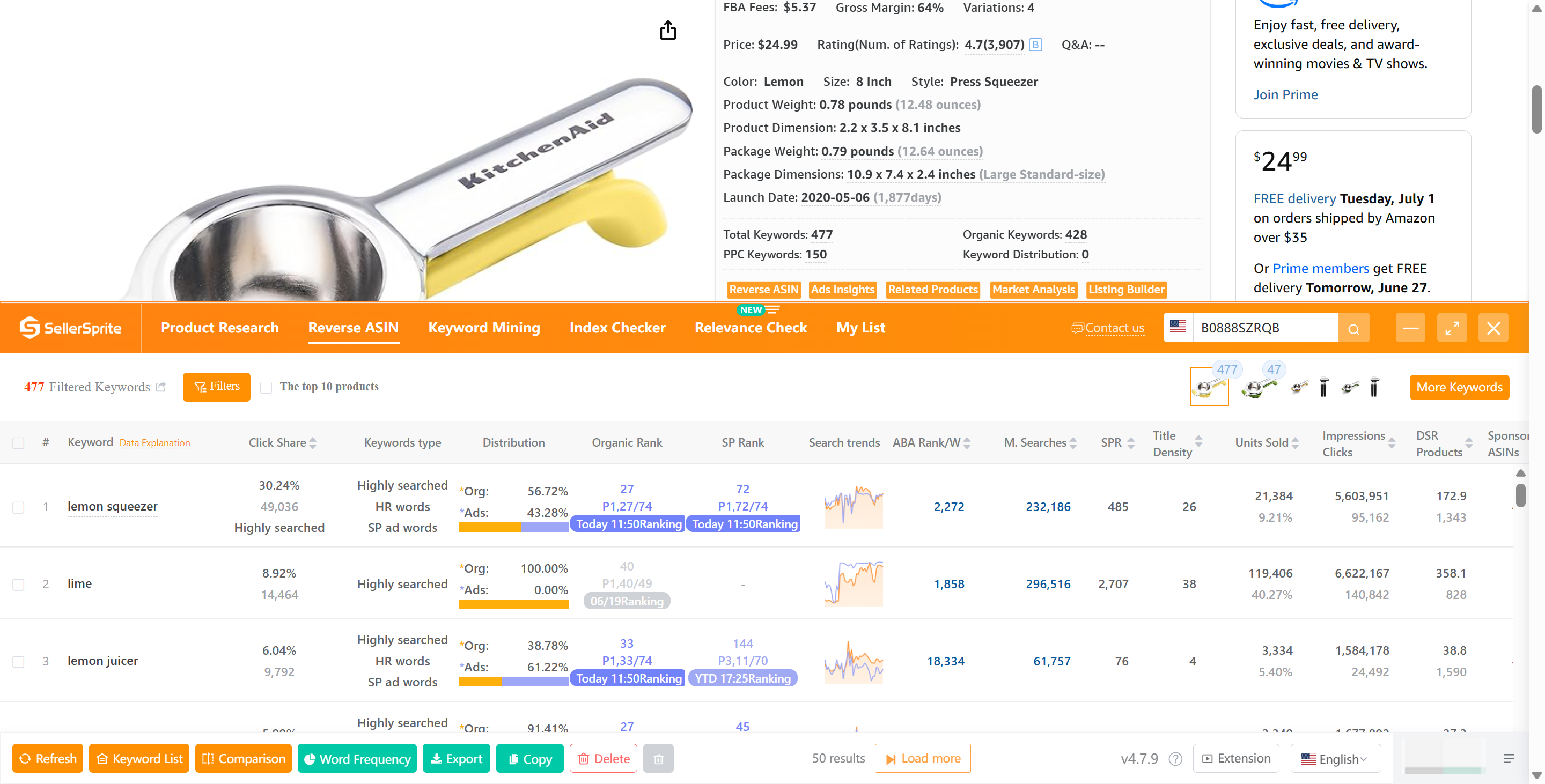
8. Reverse ASIN
Instantly find high-traffic keywords by reverse-searching any ASIN from its detail page.
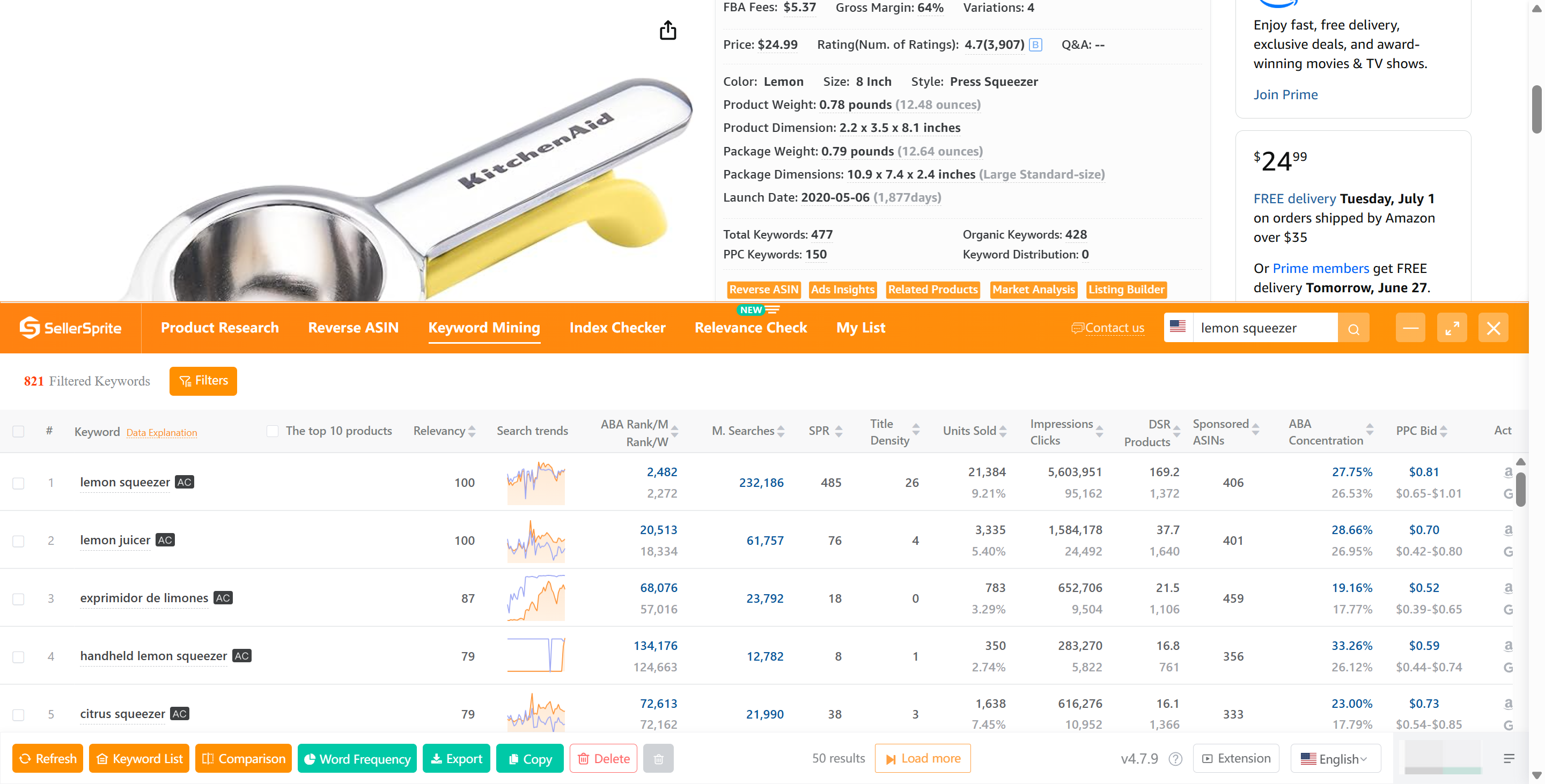
9. Keyword Mining
One click to reveal all related keywords from Amazon's search results page.
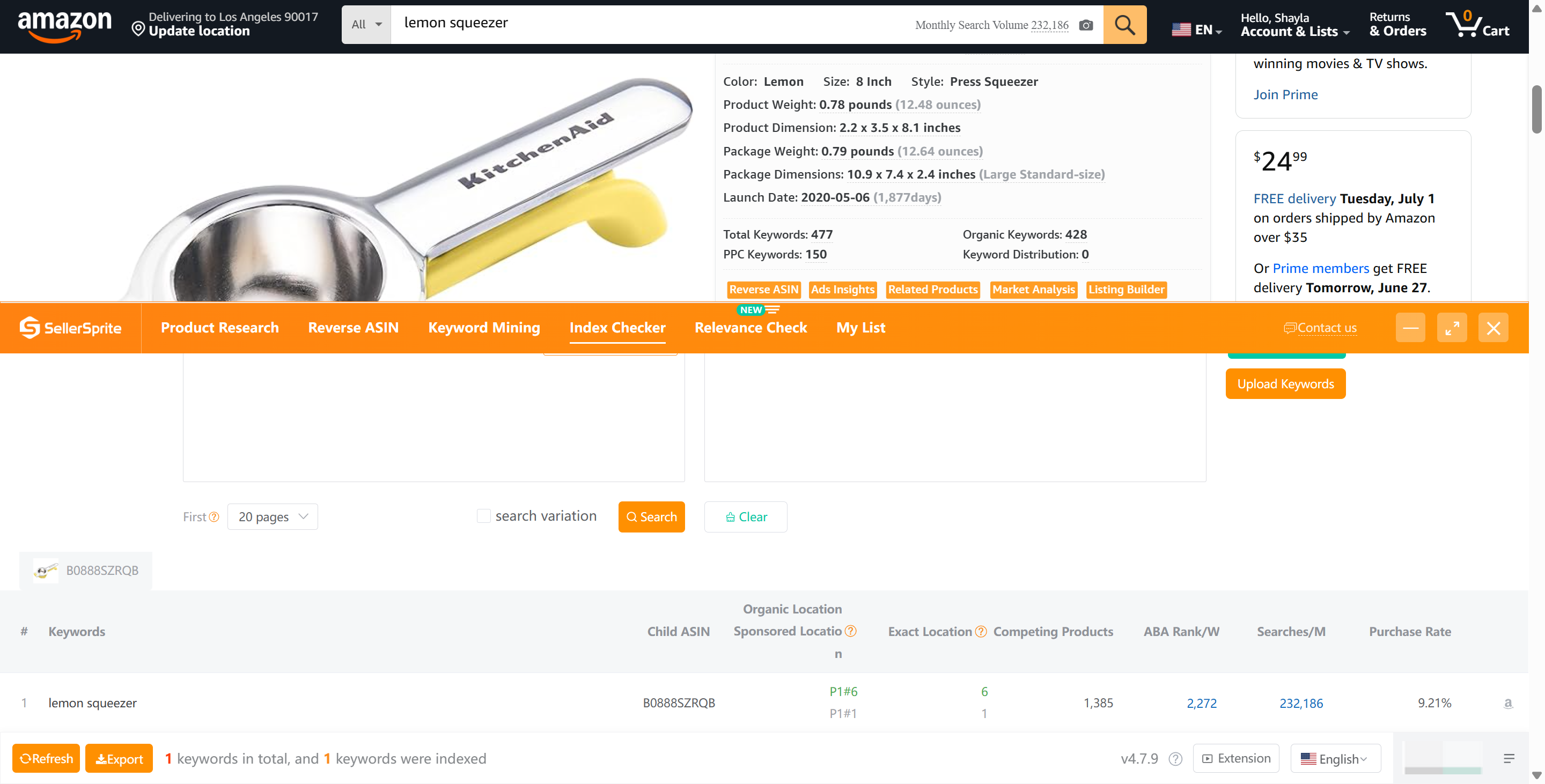
10. Index Checker
Quickly check where your product ranks for multiple keywords — both organic and sponsored.
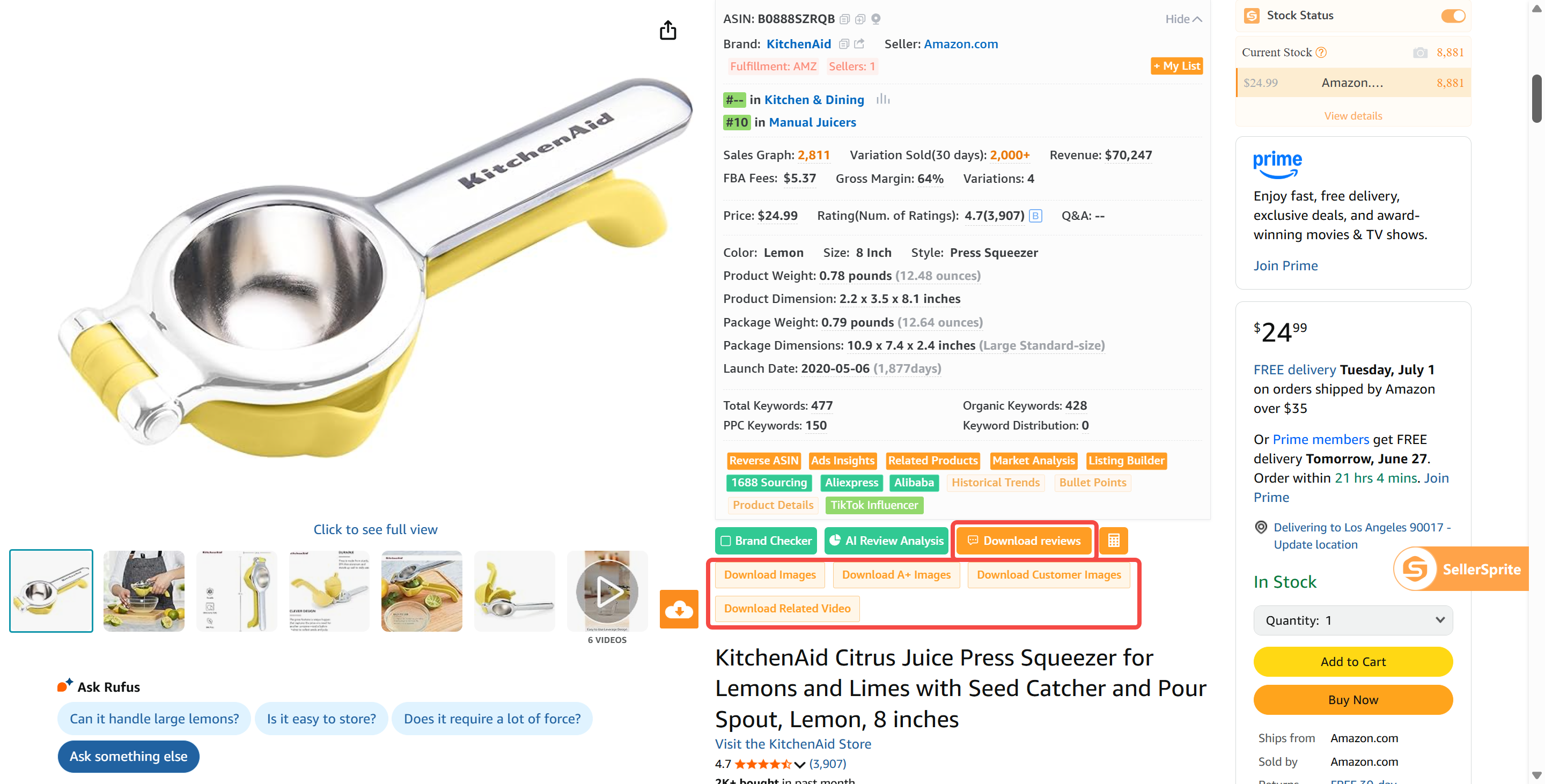
11. Review & Image Downloader
Batch-download reviews, main images, A+ content, and review images. Free for all users.
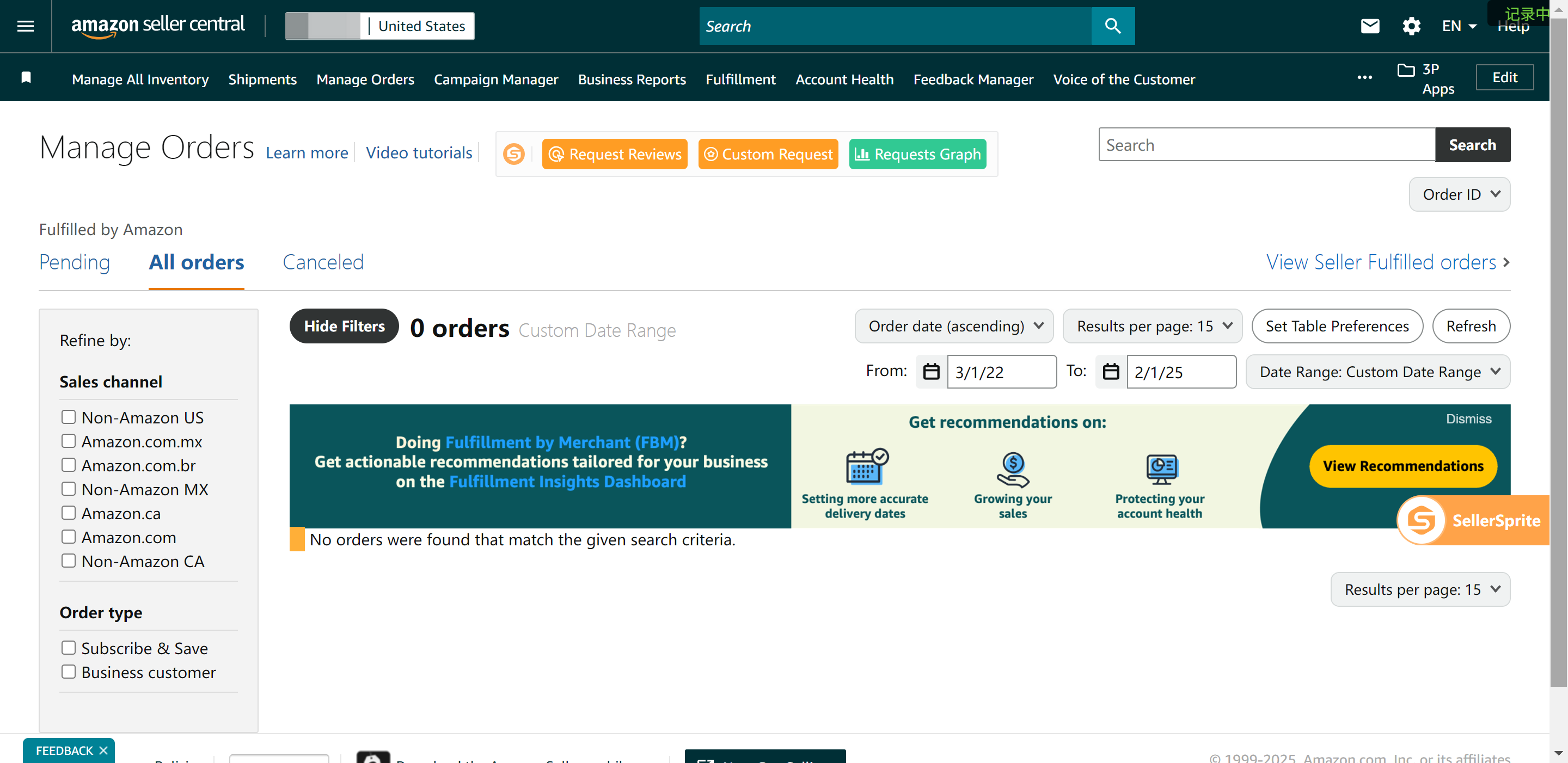
12. Bulk Review Requests
Automate review requests — by batch or with smart filtering.
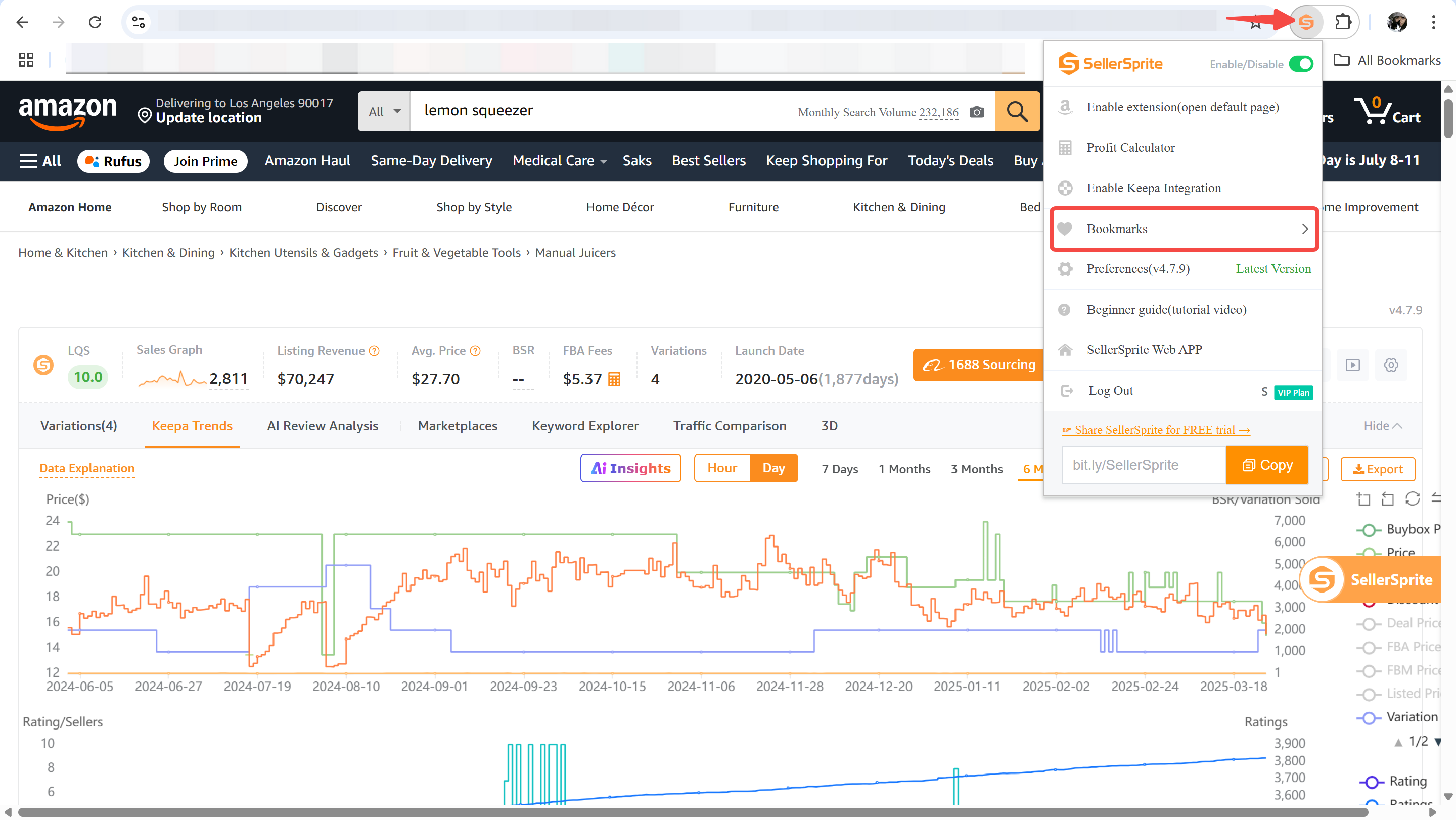
13. Bookmark List
Save your research and access it across browsers and devices with ease.



from which shopping center I can copy the images for amazon listing
Reply 2
Like 0